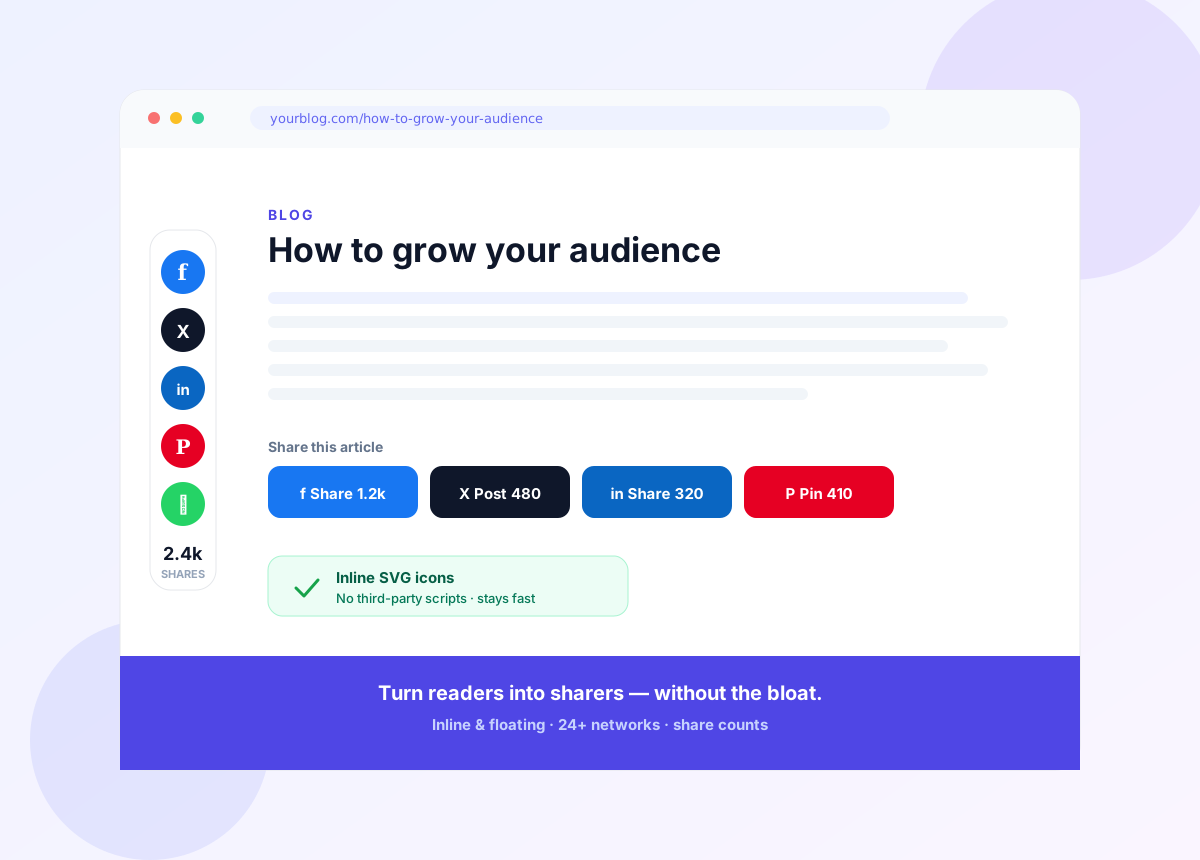
Turn readers into sharers — without slowing your site down.
Social Linkz adds fast, good-looking share buttons — inline and floating — for 24+ networks, with share counts and no admin clutter. Built on inline SVG icons with no third-party libraries, so your pages stay quick.
No third-party scripts • 24+ networks • 30-day money-back guarantee
The problem
Most share buttons cost you speed — or you have none at all.
The popular sharing plugins load heavy third-party scripts that drag down your site. Going without them is worse — every reader who would have shared just leaves.
Slow, bloated plugins
Third-party share scripts and cookies add weight and hurt your Core Web Vitals.
Lost shares
No visible, easy share buttons means readers don't pass your content on.
Fiddly setup
Cluttered admin screens and clashing styles make simple sharing a chore.
Off-brand buttons
Generic widgets that don't match your site look bolted-on and get ignored.
The solution
What is Social Linkz?
Social Linkz is a free, lightweight WordPress social-sharing plugin. Add inline and floating share buttons for 24+ networks, show share counts, and match your branding — all built on inline SVG icons with no third-party libraries, so your pages stay fast. Set it up in seconds, with no admin-menu clutter.
How it works
Put share buttons exactly where they get clicked
Inline, floating, or both — plus widgets and shortcodes for anywhere else.
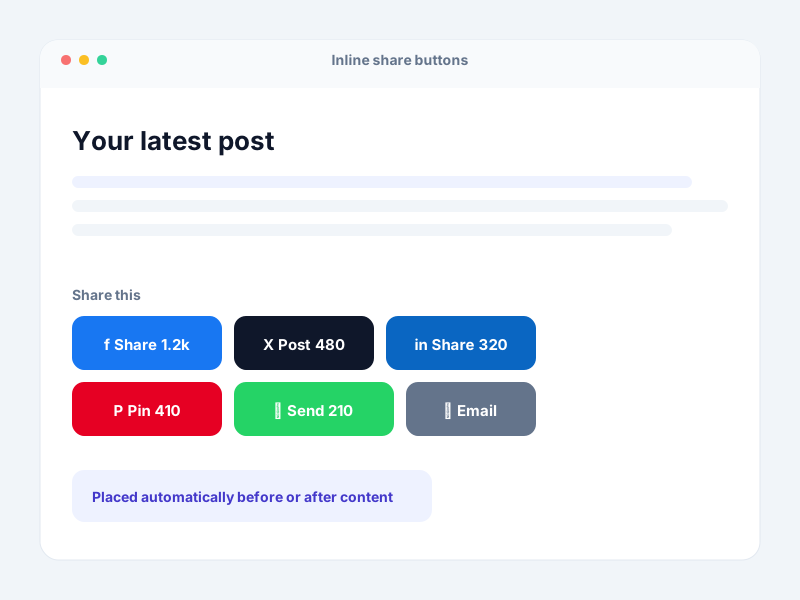
Inline buttons
Automatically placed before or after your posts, with share counts to nudge more shares.
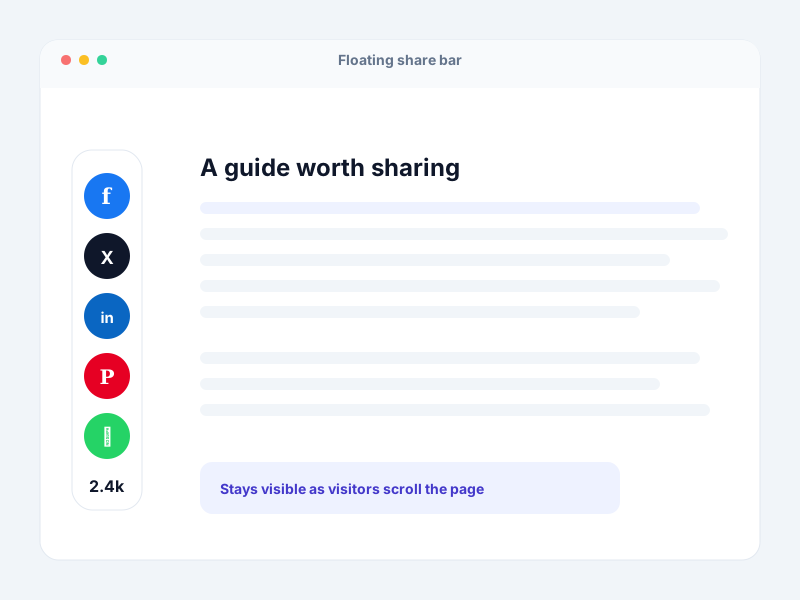
Floating bar
A slim bar that stays visible as readers scroll, so sharing is always one click away.
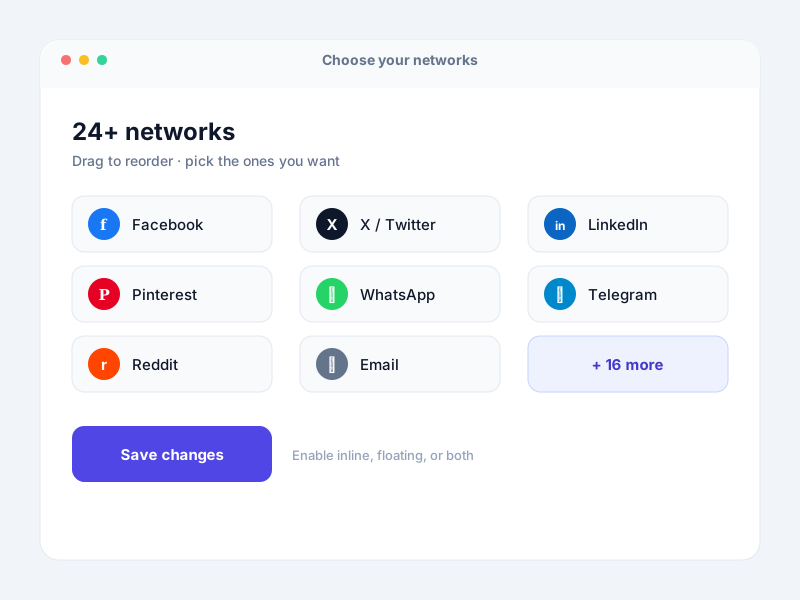
Your networks
Choose the networks that matter, drag to reorder, and match them to your brand.
Why it matters
What you get out of it
More shares, more reach
Clear, well-placed buttons with share counts turn readers into promoters and bring in referral traffic.
Speed you can keep
Inline SVG icons and no third-party libraries mean sharing that doesn't wreck your load times.
Looks like part of your site
Match colors and order to your brand so the buttons feel native, not bolted on.
Set up in seconds
A clean UI with no admin clutter — enable inline, floating, or both and you're done.
Features
Everything you need to get shared
Fast by design
- ✓ Inline SVG icons, no third-party libraries
- ✓ Scripts load only where buttons appear
- ✓ No external cookies just to show a button
- ✓ Healthy Core Web Vitals
Placement & networks
- ✓ Inline buttons before/after content
- ✓ Floating bar over the page
- ✓ Widget & shortcode placement
- ✓ 24+ networks, reorder any way you like
- ✓ Share counts
Make it yours
- ✓ Match colors to your branding
- ✓ More button & themed styles Pro
- ✓ Follow & tailored-tweet options Pro
- ✓ Show buttons on specific pages Pro
- ✓ Gutenberg, widget & shortcode ready
Who it's for
Made for content that deserves to travel
Bloggers & creators
Make every post easy to share and grow your audience without adding page weight.
Publishers & magazines
High-traffic sites get social buttons that scale without hurting performance.
WooCommerce stores
Let customers share products and deals straight to their networks.
Agencies
Ship fast, on-brand sharing on client sites — one lightweight plugin, unlimited sites on Agency.
Integration
Branded short links, built in
Social Linkz integrates with URL Shortify to turn the links you share into short, branded URLs on your own domain — cleaner shares, and click tracking when you want it.
Explore URL Shortify →Big on sharing, light on your site
- Social networks
- 24+
- Third-party JS libraries
- 0
- Built on inline SVG icons
- 100%
- Money-back guarantee
- 30-day
Loved by WordPress site owners
What KaizenCoders customers say
Real reviews from people who use our plugins. Social Linkz is open-source and free on WordPress.org — try it before you ever pay.
“The free version has everything I was looking for!”
 Djlaszlo
★★★★★
Verified review
Djlaszlo
★★★★★
Verified review
“Super easy to use, great support, friendly team!”
 Platima
★★★★★
Verified review
Platima
★★★★★
Verified review
“Simple and powerful, real plug and play — thanks a lot! Many useful features.”
 Marka1
★★★★★
Verified review
Marka1
★★★★★
Verified review
Why Social Linkz
Sharing that respects your site
vs. heavy share plugins
No third-party libraries or trackers weighing down every page — just inline SVG icons and scripts that load only where needed.
vs. SaaS share widgets
Nothing phoning home to another company. Your buttons and settings live on your own WordPress site.
vs. no share buttons
Give readers an obvious, one-click way to spread your content — and see the counts climb.
Coming soon to Social Linkz
Features we're building next. These are not available yet — here's where Social Linkz is headed.
Click to Tweet
Drop quotable lines into posts that readers can tweet in one tap.
Pinterest image pins
A "Pin it" button on hover over your images, with custom pin descriptions.
Highlight & share
Let readers select any text and instantly share it.
UTM link tracking
Auto-tag shared links so you can see social traffic in your analytics.
Share-count recovery
Keep your share counts after URL or HTTPS changes.
Share to AI assistants
New share targets for Claude, ChatGPT and other AI assistants.
Want one of these sooner? Tell us what to build next →
Free vs PRO
Free is a complete sharing plugin
The free plugin already does the job. PRO adds more networks, more design control, and following tools.
| Capability | Free | PRO |
|---|---|---|
| Inline & floating share buttons | ✓ | ✓ |
| 24+ social networks | ✓ | ✓ |
| Share counts | ✓ | ✓ |
| Reorder icons & widget / shortcode | ✓ | ✓ |
| URL Shortify integration | ✓ | ✓ |
| Inline SVG, no third-party libraries | ✓ | ✓ |
| More share & follow buttons | — | ✓ |
| More & themed design styles | — | ✓ |
| Tailored tweets & follow options | — | ✓ |
| Show buttons on specific pages | — | ✓ |
| Mobile-optimized display & popup controls | — | ✓ |
| Priority support | — | ✓ |
Pricing
Simple pricing: Free, or PRO for every feature
One PRO plan unlocks everything. Just choose how many sites you need — the price does the rest.
Free
Fast, good-looking share buttons for a single site — free forever.
$0
1 site
- ✓Inline & floating share buttons
- ✓24+ social networks
- ✓Share counts
- ✓Widget & shortcode placement
- ✓URL Shortify integration
Everything, unlocked
PRO
More networks, themed designs, and following tools.
/ year
Use it on
- ✓Everything in Free
- ✓More networks & button styles
- ✓Themed designs to match your brand
- ✓Place buttons on specific pages
- ✓Follow & tailored-tweet options
- ✓Mobile-optimized sharing
- ✓Priority support
Every PRO licence includes updates and priority support, with a 30-day money-back guarantee. If a licence lapses, the free features keep working — nothing is deleted.
Love Social Linkz? Get it — and every plugin we make.
One emerald-tier membership unlocks all six PRO plugins — plus every plugin we release in the future, added automatically.
Buy the six separately
$344 / year
With Elite, from
$199 / year
Save $145 · 42% off
Explore Elite Membership →6 plugins today · every future plugin free · 30-day money-back
Free forever base
A complete sharing plugin, free on WordPress.org — no trial timer.
30-day money-back
Not the right fit? Get a full refund within 30 days.
Keep it if you cancel
Free features and your settings stay; nothing is deleted.
Updates & support
Every paid plan includes updates and priority support.
FAQ
Questions people ask before installing
- No — that is the whole point. Social Linkz uses inline SVG icons with no third-party libraries, and its scripts only load where share buttons actually appear. It is built to stay light and keep your Core Web Vitals healthy.
- Inline before or after your content, as a floating bar over the page, through a widget, or anywhere with a shortcode. You can enable inline, floating, or both, and position them where you want.
- The free plugin covers 24+ networks including Facebook, X/Twitter, LinkedIn, Pinterest, Email, WhatsApp-style sharing, Telegram, Reddit and more. PRO adds even more share and follow buttons.
- Yes. Social Linkz can display share counts on your buttons so visitors see how popular your content is, which encourages more sharing.
- Yes. Rearrange the order of icons and adjust their look to fit your site. PRO adds more design styles, themed button sets, and finer control.
- Yes. Social Linkz is compatible with the Gutenberg block editor, and also works via widget and shortcode for classic setups and page builders.
- No third-party sharing libraries are loaded, so there are no external scripts pulling in cookies just to show a share button. Your pages stay lean and privacy-friendly.
- Yes. Social Linkz integrates with our URL Shortify plugin to generate short, branded links and share those across your social networks.
- Yes. Licences cover 1, 3, or unlimited sites, and every paid plan includes the full PRO feature set — you only pay for the number of sites.
- Nothing is deleted. The free features keep working and your settings are preserved; PRO features simply pause until you renew. There is also a 30-day money-back guarantee.
Will Social Linkz slow my site down? +
Where can I show the share buttons? +
Which social networks are supported? +
Can I show share counts? +
Can I match the buttons to my branding? +
Does it work with the block editor? +
Does it add cookies or send data to third parties? +
Does it integrate with URL Shortify? +
Can I use it on multiple sites? +
What happens if my licence lapses? +
Give your content an easy way to travel.
Start free on WordPress.org, and upgrade to PRO for more networks, themed designs, and following tools.
